

Code locks, done for you.
Auto Lock applies a code lock with each player’s preset code to anything lockable, and gives their team access automatically. It also locks items that normally can’t be locked and adds optional automatic door closers: three plugins in one.
PVE friendly
Chest Stacker support
Watch it in-game
Built to grow your server
Locking every door and box by hand is busywork. Auto Lock takes it off your players’ plates.
Less busywork, more Rust
Players stop crafting, placing and coding locks one at a time. Their code goes on automatically and teammates are added and removed for them.
Player experience
Great for PVE servers
Lock things that normally can’t be locked, like furnaces, turrets and SAM sites, so players’ gear stays theirs.
PVE servers
Balanced your way
Require players to use code locks or key locks from their own inventory, and charge resources for door closers, so convenience doesn’t break progression.
Server balance
Everything included
- Automated code locking with each player’s preset code
- 3 plugins in 1: regular locks, extra lockables and door closers
- Team authorization granted and removed automatically
- Optionally use the player’s own code locks and key locks
- Data cleanup on each wipe or after a set number of inactive days
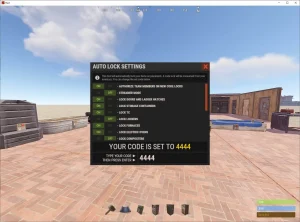
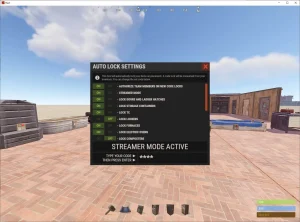
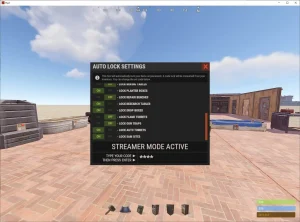
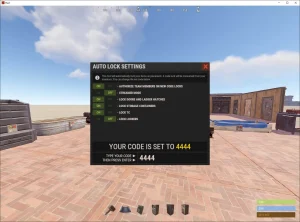
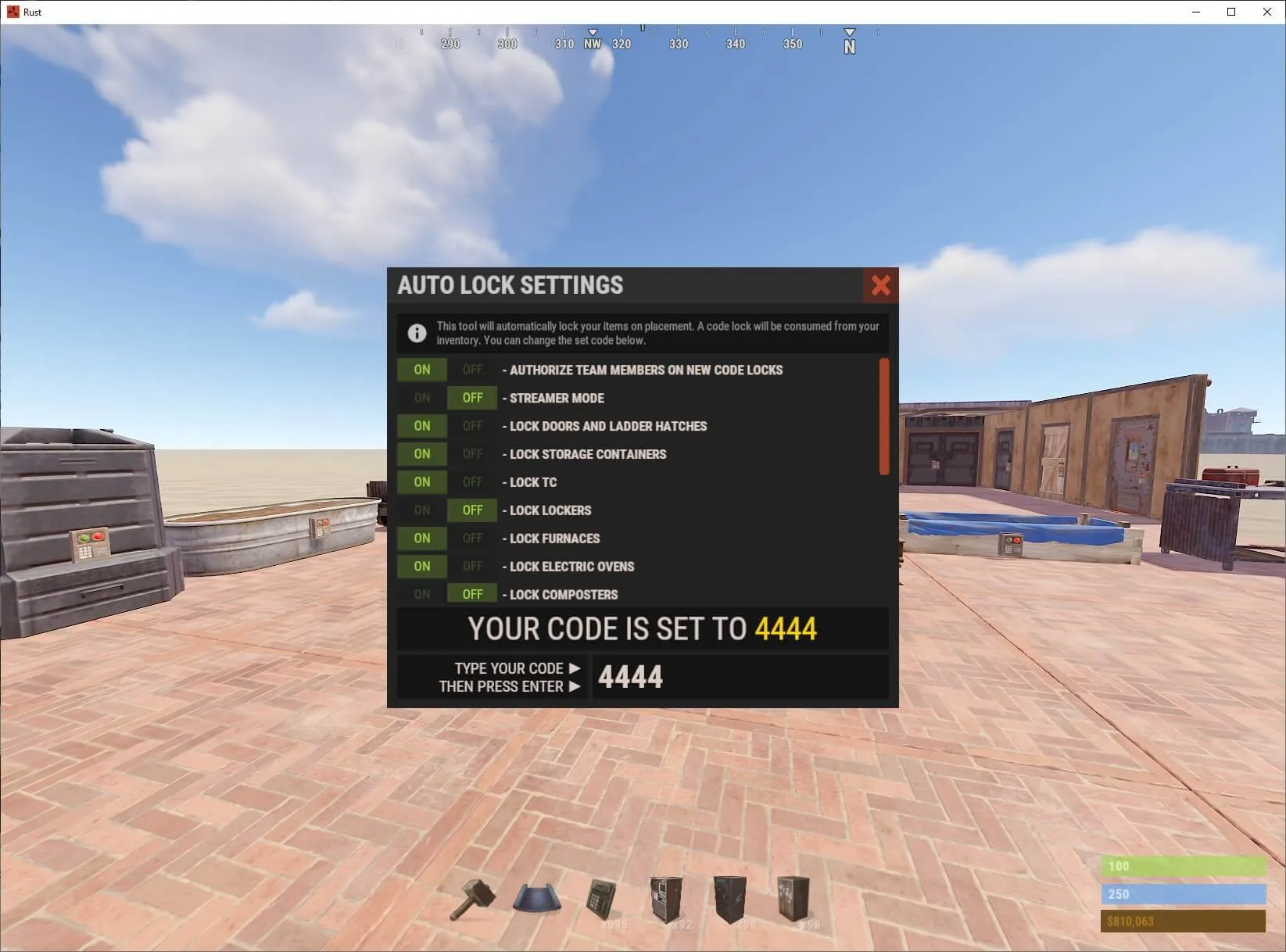
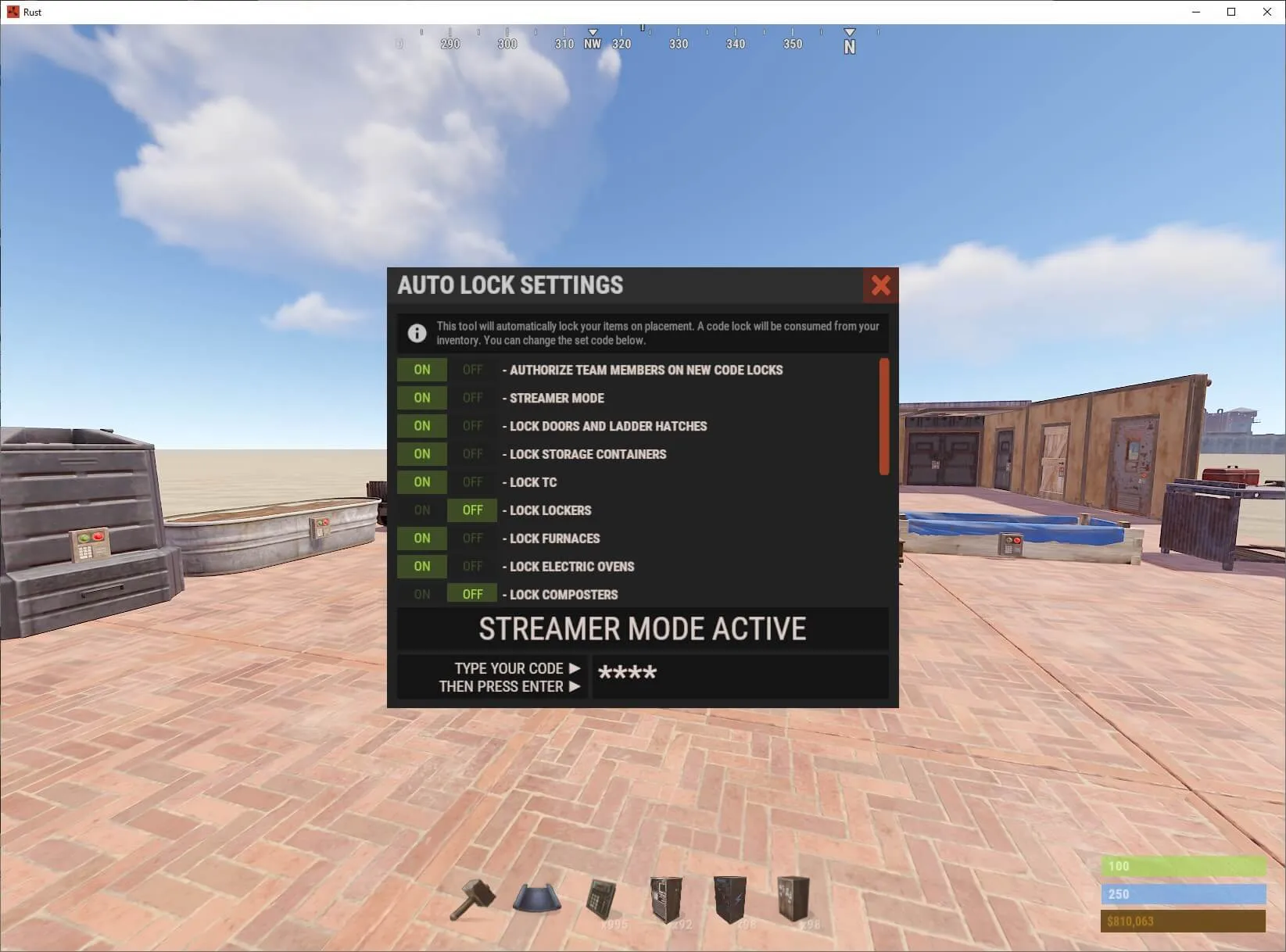
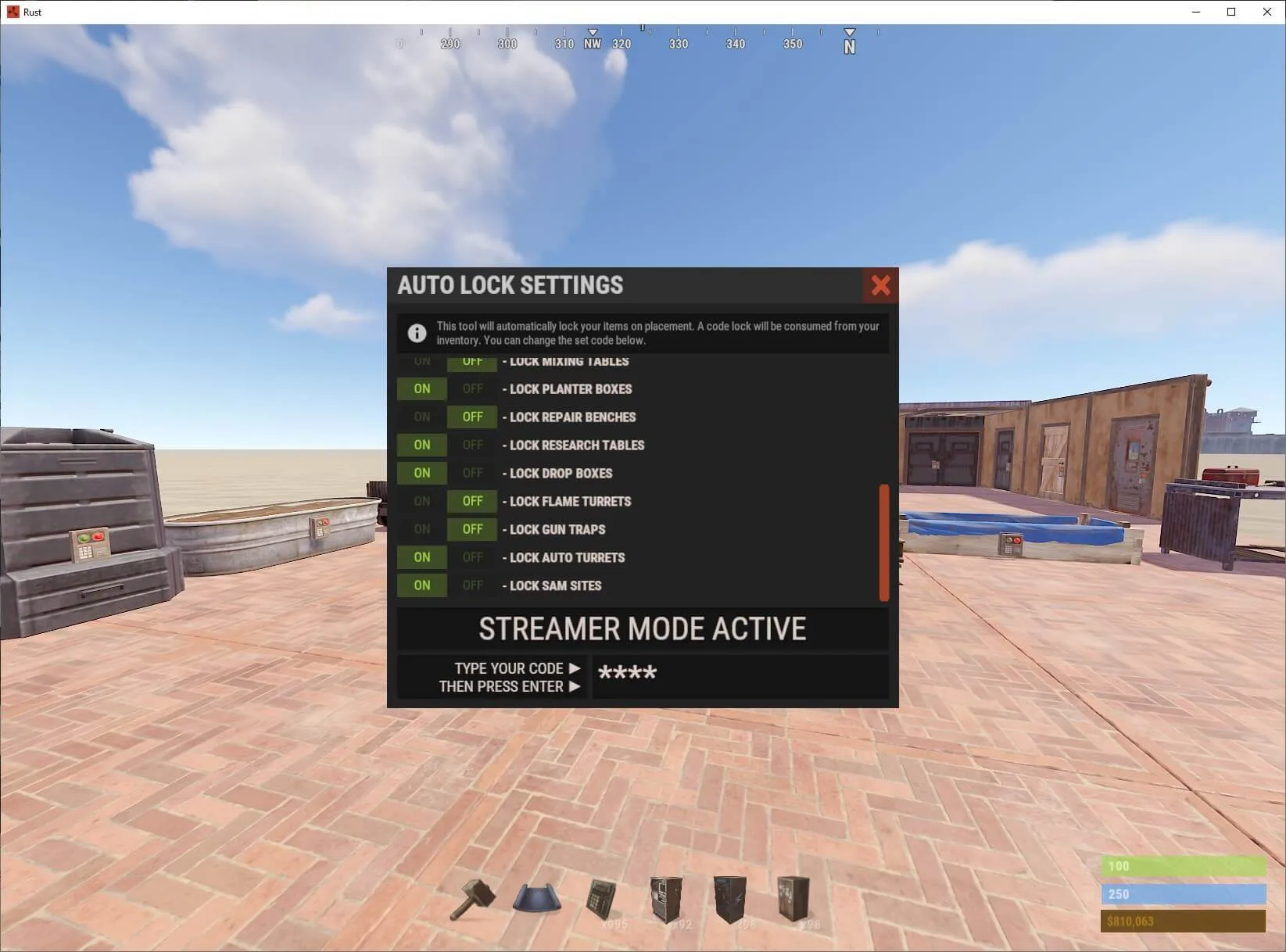
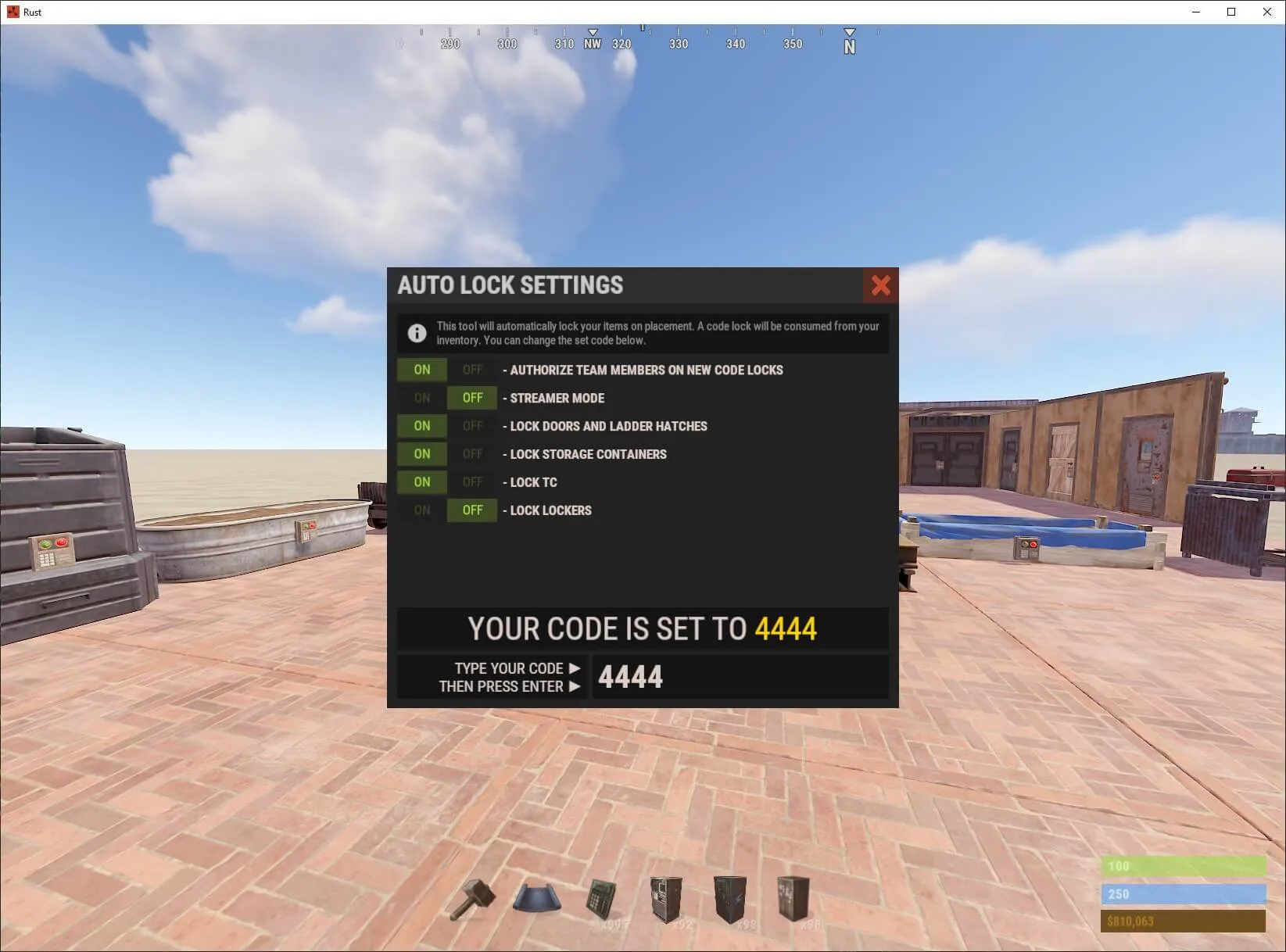
- Easy UI for players to change their code and settings
Lockable items
Vanilla: doors and ladder hatches, storage containers, Tool Cupboards, lockers.
Extra: furnaces, electric ovens, composters, mixing tables, repair benches, research tables, drop boxes, flame turrets, gun traps, auto turrets, SAM sites, mannequins.
Each one can be enabled or disabled individually.
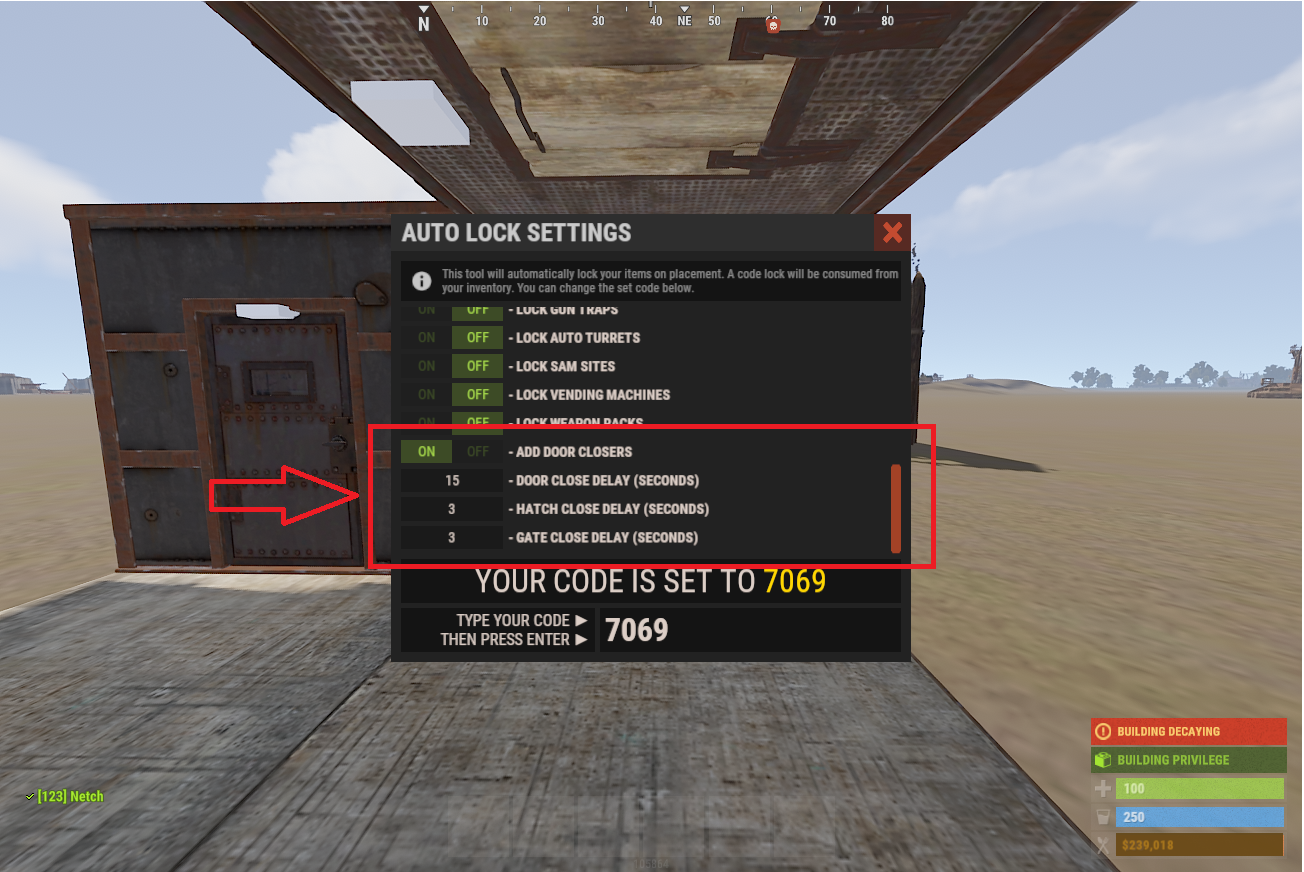
Automatic door closers
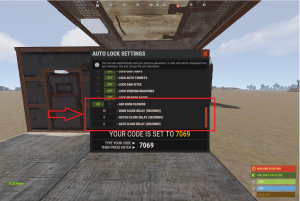
- Enable or disable door closers
- Closes the door after a delay the player chooses
- All door types: doors, hatches and gates
- Block door removal if the player didn’t place it
- Option to not return closers when removed
- Optional resource cost, e.g. 1 metal spring and 100 metal fragments per closer
- Chat command to manage door closers
What your players will see
Commands & permissions
Use the copy button on any command, or click the command to select it.
PermissionsHow to grant permissions →
2
autolock.useAllows use of the/lockand/closerchat commands.autolock.adminAllows use of theautolock.wipeconsole command.
Console commandsF1 console, RCON, Tebex or web shop
1
autolock.wipeRemoves and resets all saved user data.Requiresautolock.admin
Player chat commandsAvailable to everyone
2
/lockOpens the Auto Lock settings UI. The command name is configurable.Requiresautolock.use/closerAdds or removes a door closer on the door in front of the player. The command name is configurable, and door closers are optional.Requiresautolock.use
Admin chat commandsStaff only
0
autolock.wipe console command.Requirements & compatibility
-
Image Library
Required. Install it alongside Auto Lock.
-
Chest Stacker
Integration. Auto Lock places locks on stacked items.
Frequently asked
Do teammates get access automatically?
Can players be required to use their own locks?
Can door closers cost resources?
Does saved data pile up?
What if I need help?
Lock everything, without the busywork
Three plugins in one, instant download.
v1.11.0 October 13, 2026 1 month ago Latest
- ADD Added door closer support for armored hatches.
v1.10.1 September 3, 2026 3 months ago
- FIX Fix for the monthly Rust update.
v1.10.0 July 1, 2026 5 months ago
- ADD Added support for the new barrel DLC, cooking station, mannequin, and industrial furnace.
v1.9.2 June 4, 2026 6 months ago
- FIX Fix for the monthly Rust update.
v1.9.1 May 6, 2026 7 months ago
- ADD Added support for the storage box DLC.
v1.9.0 October 10, 2025 1 year ago
- ADD Added support for beehives, chicken coops, barrel DLCs, and the pilot codelock DLC.
- ADD Added support for my new Chest Stacker plugin. (Publishing soon!)
v1.8.0 October 14, 2024 2 years ago
- ADD Added an optional feature - Auto Door closers
v1.7.3 October 13, 2024 2 years ago
- ADD Added the single gun racks.
- ADD Added an optional feature to message the player their code after placement. Players can disable this message by enabling streamer mode in /lock
- FIX Fixed NRE.
v1.7.2 October 3, 2024 2 years ago
- FIX Fix for todays Rust update.
v1.7.0 September 9, 2024 2 years ago
- ADD Added vending machines and weapon racks.
- ADD Added a config option to enable placing locks manually on objects that cannot be locked natively.
- FIX Fixed an issue where the UI wouldn't load if the image is invalid.
- UPDATE Updated to automatically cleanup the user data if the enabled config types change.
v1.6.0 September 2, 2024 2 years ago
- ADD Added a config option to set the code on manually placed code locks.
- ADD Added a config option to play the code lock sound effect after placement.
v1.5.0 August 20, 2024 2 years ago
- ADD Added an info box to explain the tool to your new players.
- ADD Added a streamer mode toggle to hide the passcode.
- ADD Added a config option to lock things that don't already have a lock slot. (Furnaces, turrets, etc)
- ADD Added a config option to take key locks if the player doesn't have a codelock in their inventory.
- ADD Added a config option to enable auto lock for new players.
v1.2.0 April 13, 2024 3 years ago
- MISC Optimization pass.
v1.1.2 December 18, 2023 3 years ago
- UPDATE Updated so that the original owner of the locked object will not lose auth if they leave the team.
v1.1.0 December 9, 2023 3 years ago
- UPDATE Updated to add or remove players from their teams code locks when they leave or join the team.
- UPDATE Updated the config to support multiple aliases for the chat command.
- UPDATE Updated the UI to include a miscellaneous setting for any new locked object type that isn't already in the settings.
2 reviews for Auto Lock | Lock Everything
Only logged in customers who have purchased this product may leave a review.
Related products



mikestermayn (verified owner) –
Great performance compared to similar plugins. Players have commented on how easily the UI is to use/understand.
spartan (verified owner) –
Works like a charm. 10/10