
Rust Server Hosting
How to Update Your Rust Server Description, Banner Image, and Website URL

Customize your Rust server listing
Your server description, banner image and website URL are the first things players see in the server browser. Getting them right makes your server look professional and helps with player retention. Here’s the quick, no-nonsense walkthrough.
Update your server listing
Everything is set in your server’s server.cfg file.
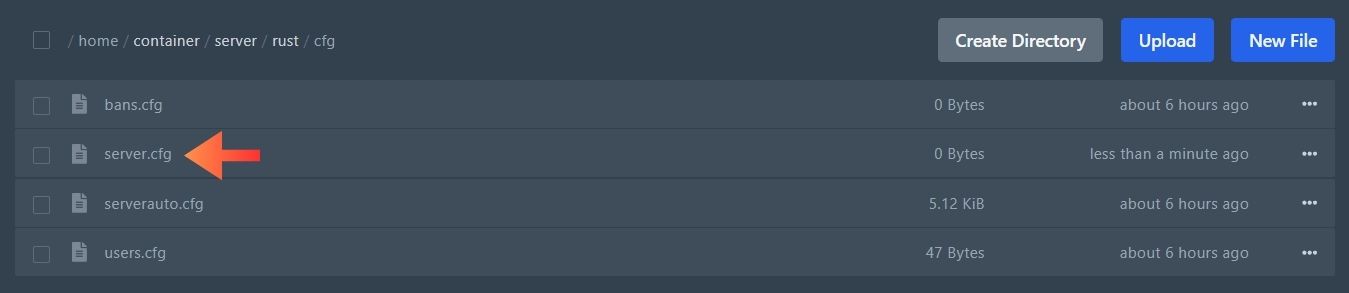
Open server.cfg
Go to your server’s cfg folder and open server.cfg. If the file doesn’t exist, create it.
Add your details
Add these config options to server.cfg and replace the values with your own.
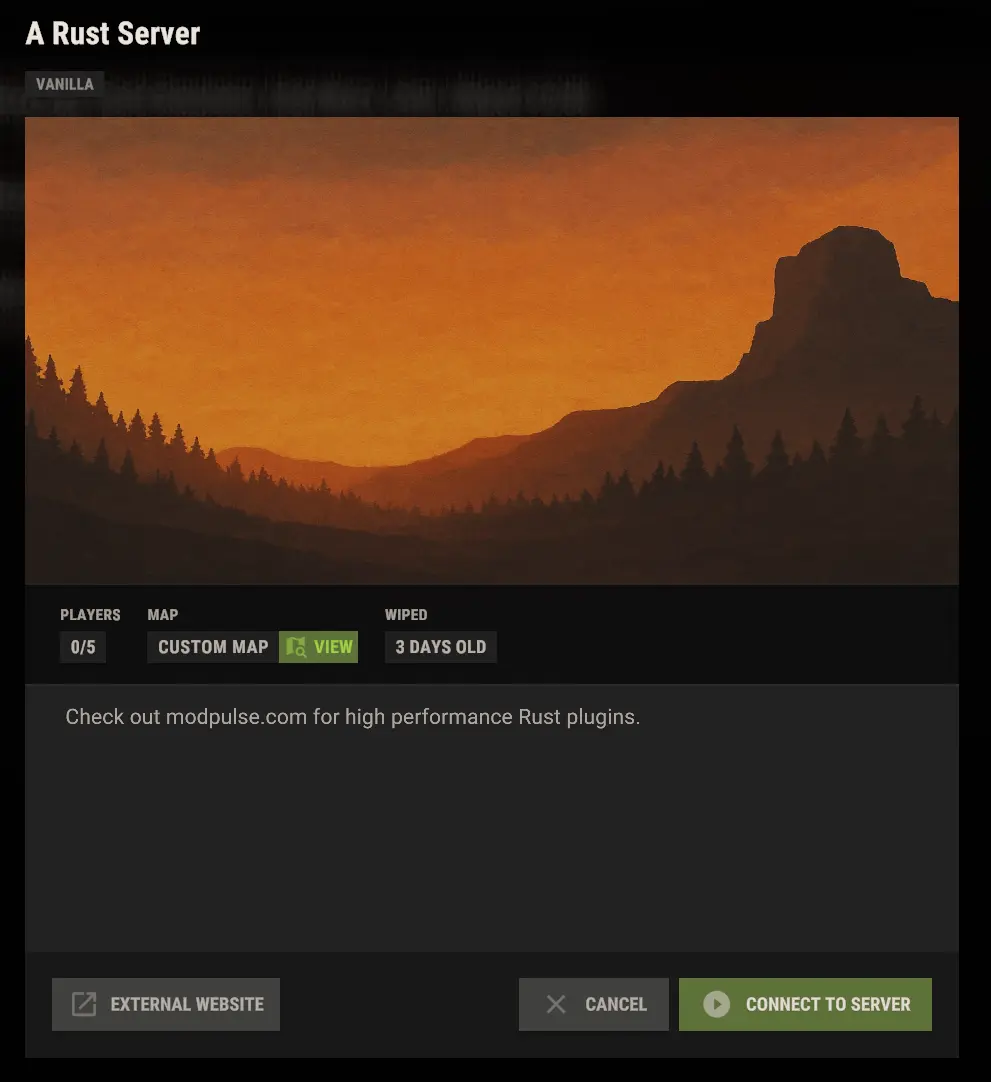
server.description "Check out modpulse.com for high performance Rust plugins."
server.headerimage "https://i.imgur.com/UTdGanu.jpeg"
server.url "https://www.modpulse.com"

Reload the config
Open your server’s console and run:
server.readcfg
This loads the changes without a full restart.
Tips & tricks
Add new lines to your description
Use \n to start a new line. You can also make and preview changes with our message editor tool.
Use the right banner size
For a Rust server header image, use 512×256 or 1024×512 pixels.
Multi-line descriptions
Put \n wherever you want a line break. Try it first in the message editor: https://www.modpulse.com/message-editor/
server.description "Check out modpulse.com for high performance Rust plugins.\nDiscord: https://discord.com/invite/yz5D3PBXa8"
How it looks in the server browser.
Get a direct image link
Host your header image on a service like imgur. The link must end in .png, .jpg or .jpeg.
- Works
https://i.imgur.com/UTdGanu.jpegDirect link to the image file.
- Won’t work
https://imgur.com/UTdGanuLink to the imgur page, not the image.
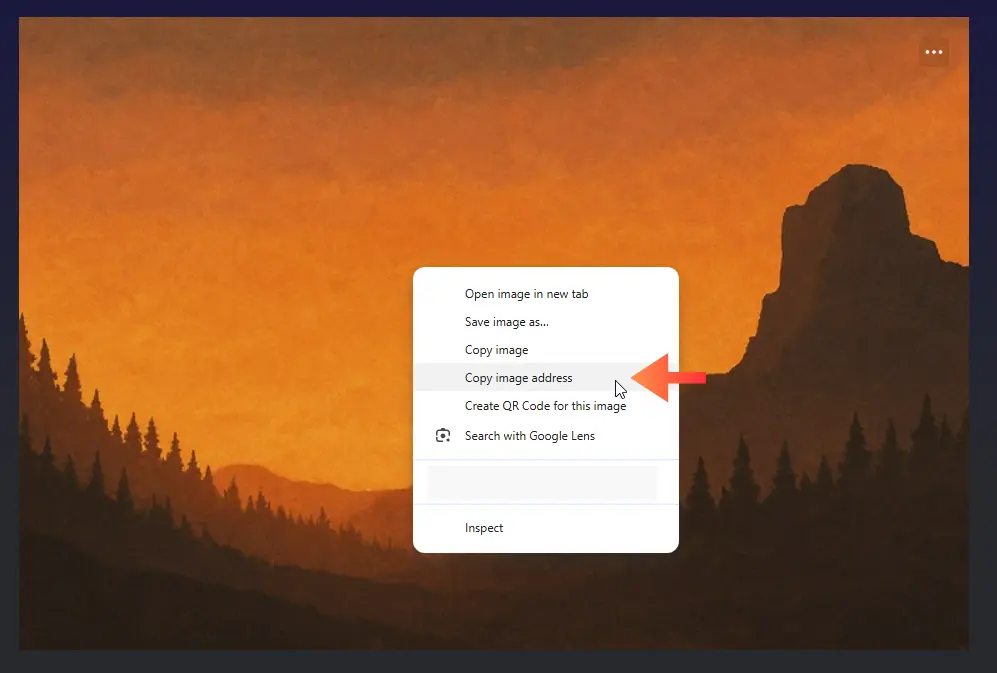
To get the direct link: right-click the image → Copy image address.
Get a custom banner
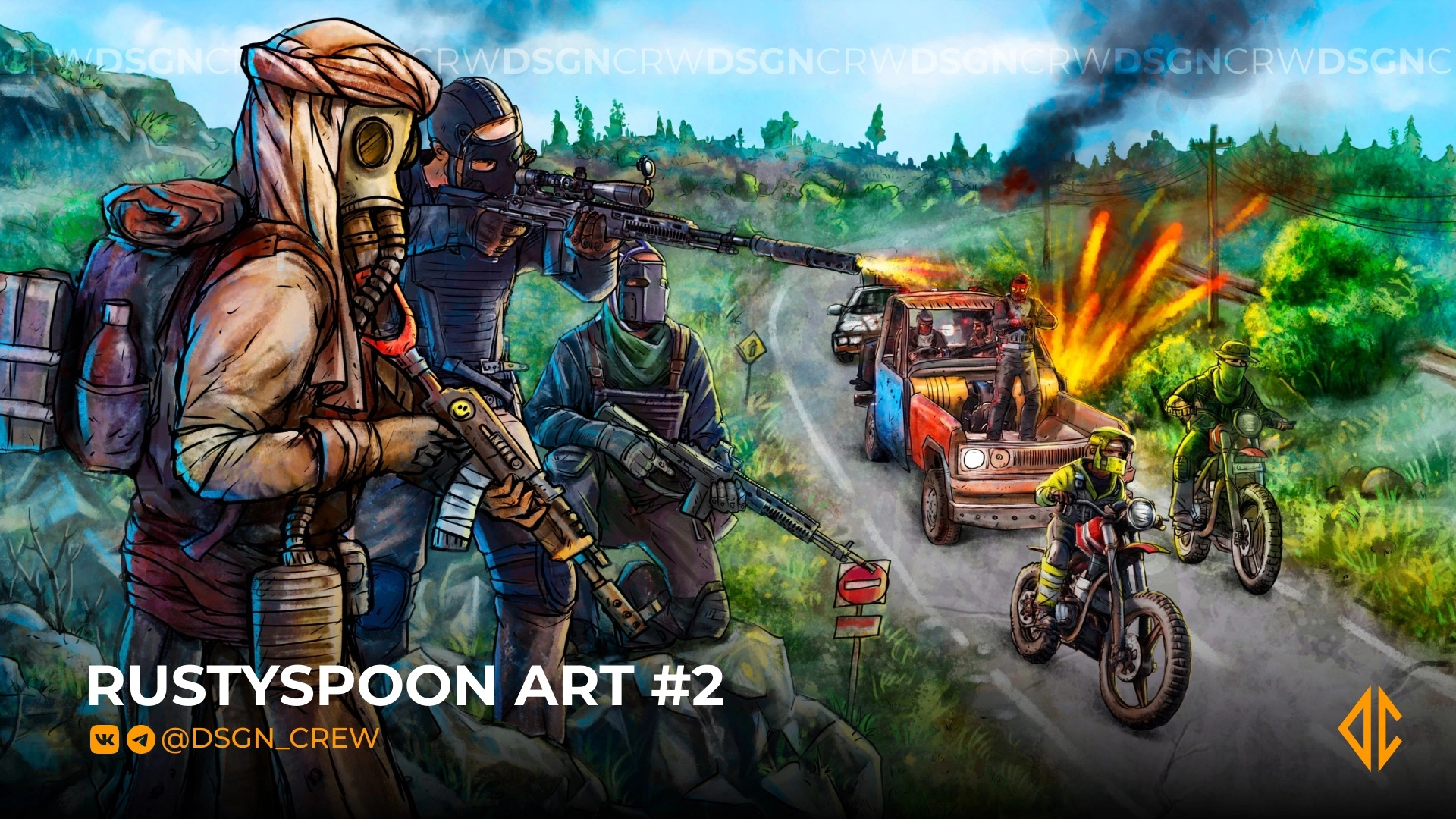
Consider hiring an artist to create a custom banner for your server. It goes a long way for player retention and trust. Check out the Design Crew art studio to get one.
Design Crew Discord: https://discord.gg/2gFrfHecZt
Take your server further
High performance Rust plugins for Oxide / Carbon, with support on Discord.